

Environment | Environment The Sims 3 Guide
Last update: 11 May 2016
Initial information
 001
|  002
|
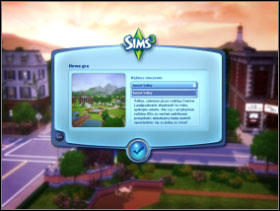
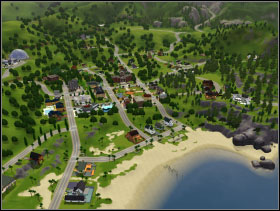
After starting the game, you will have to choose the environment in which you want to play. After installing the game there is only one city available [001] (the second one can be downloaded from the internet after registering the game). When you choose the city, it will be showed to you [002], the interface of the game will appear at the bottom.
 003
|
In The Sims 3 you can only play with one family. It means that for example two players who own houses cannot live in the same town and play at the same time (it was possible in previous versions). It is caused by the fact that the time of game passes identically in the whole city. Of course two or more people can play this game by saving game or current changes of the active family at one save mode.
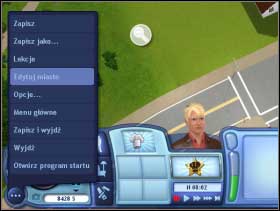
Three dots in the left bottom corner have access to different elements of the game, for example change of options (sound, graphic etc.), lessons (description of particular elements of the game, decreased to the control panel, saving the game (including "Save as" which with giving it a name will enable to identify saves easier), as well as the edition of the city and the change of game's settings (for example connected to Sims' free will or their life span).
After starting the game you have two possibilities - there will be a third one later [003]. You can create your own family consisting of one or more Sims or use one of the families situated in so called library and let them into one of uninhabited houses or build them a house on one of empty fields according to your wishes. Later the third option is to choose the family who already live in the city and start playing with them.
The edition of the city
 004
|  005
|
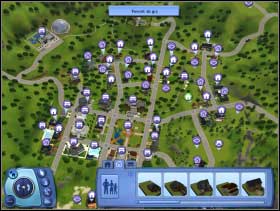
You can edit the city [004], but it is a limited option compared The Sims 2 (you can't point out areas for new plot, only use the ones that already exist). After entering editing you can see the whole city with the icons of public buildings as well as the private ones. At the bottom there is a panel [005] which can be used to edit plots , move houses to other fields or tear down the ones which already stand there. On the right there is a library of few families (which can put into houses), library of empty houses and public buildings.
Moving houses to different building plot
 006
|  007
|
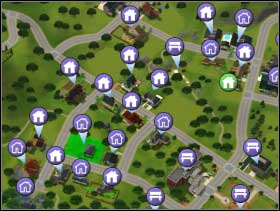
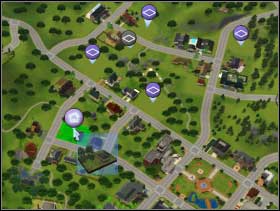
To move a house to another building plot (empty or inhabited one), click on an icon of hand on the left and then choose a house from the map of the city [006],which you want to move - you can also move a house with a family (green icon of a house). Click and you will see a map with empty plots [007]. Bright violet icons are plots which are big enough to put the object you want to move there. The size of the plot and object has to be at least the same - never smaller even if at present house uses up only a part of plot's surface.
 008
|  009
|
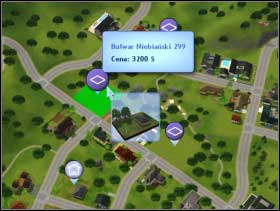
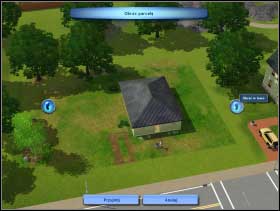
Choose a proper plot [008], and then use tools to move it around and put into the right position (in such way that the entrance is situated in the direction of the road) [009].
Settling empty houses
There are many empty plots in the city. Use library of empty houses so the city is not abandoned (at least as buildings are concerned).
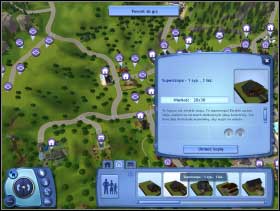 010
| 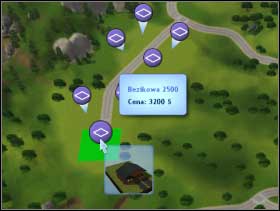 011
|
From the library of empty houses at the bottom choose the building you're interested in and click "place a copy" [010]. Then choose a parcel where you want to locate it [011]. Remember about the minimum size of the plot - not all houses can be located everywhere. Then, the same as in the case of moving houses by using the arrows on the left and right, turn the building in such way that its entrance is situated by the street.
Tearing down
Choose the icon of bulldozer on the panel and tear down the whole house performing just one click and you level the parcel to the ground.
Dividing and joining families
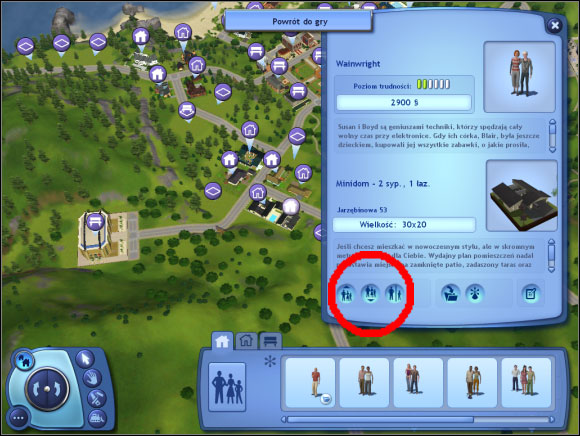 012
|
While editing the city you have also the possibility to divide or join families who live in separate houses [012]. Then you decide in which house a new created family will live and what will happen to its property.